IBO Player - The Official MOVATOM App
IBO Player is the only supported application for MOVATOM. It is available on virtually every platform and operating system. The smooth user interface, seamless playback, and inclusion of essential features make it the ideal choice for premium IPTV streaming.
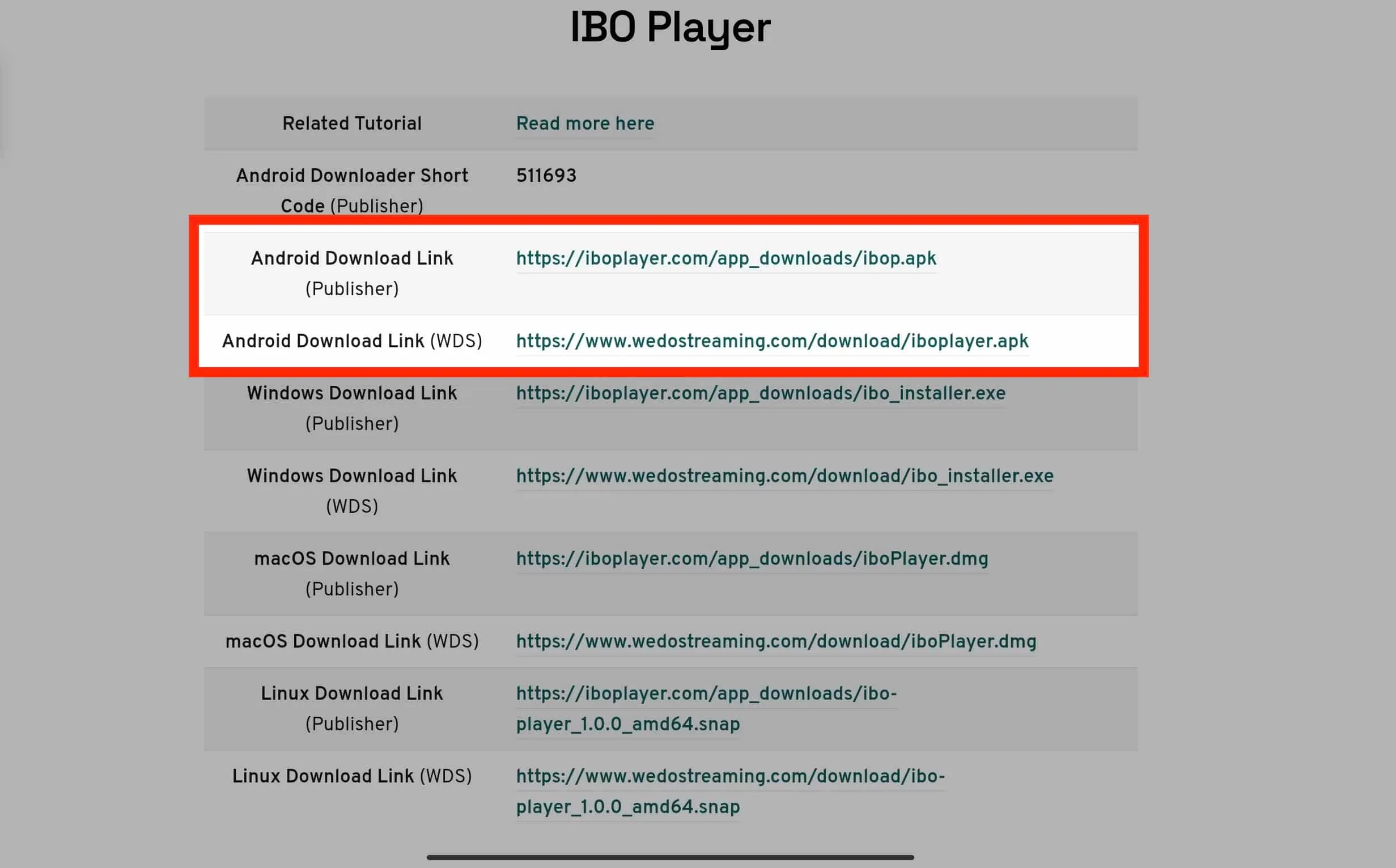
Install on Android Phones & Tablets
- Open Google Play Store on your Android device
- Search for "IBO Player" or "IBO Player Pro"
- Tap Install and wait for download to complete
- Open the app and note the Device ID and Key shown on screen
- Send these to MOVATOM support to activate your subscription
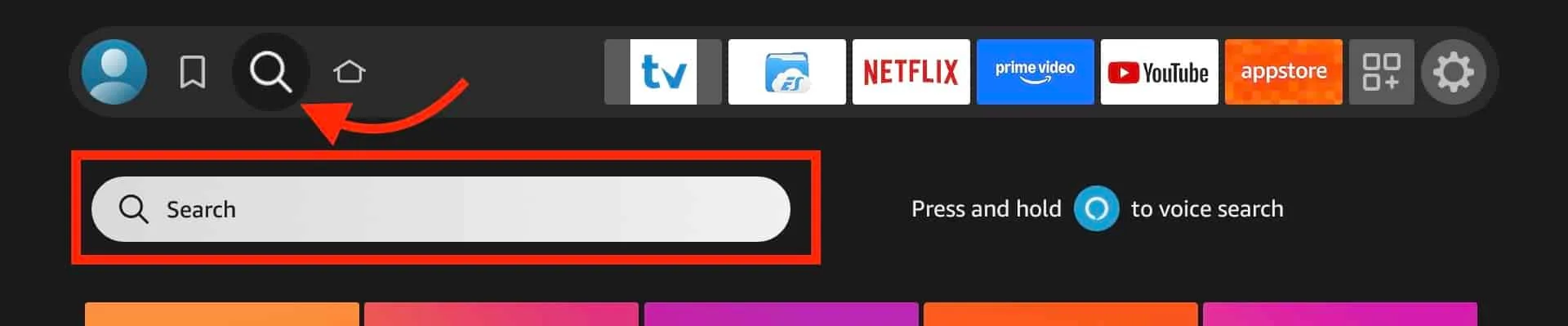
Install on Amazon Fire TV Stick
- From Fire TV home screen, go to Find > Search
- Search for "IBO Player"
- Select the app and click Download/Get
- Once installed, open IBO Player
- Note the Device ID and Key, send to MOVATOM support
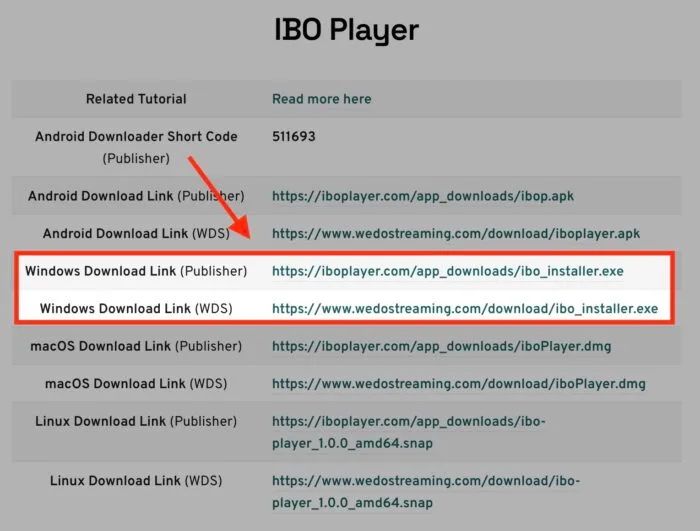
Install on Windows PC
- Visit the IBO Player official website
- Download the Windows installer
- Run the installer and follow the setup wizard
- Launch IBO Player and note Device ID and Key
- Contact MOVATOM support for activation
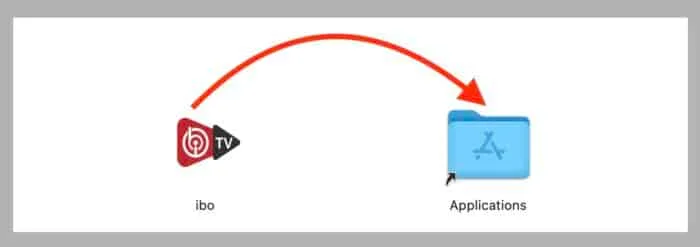
Install on macOS
- Open the Mac App Store
- Search for "IBO Player"
- Click Get/Install
- Open the app and note your Device ID and Key
- Send credentials to MOVATOM for activation
Install on Samsung & LG Smart TV
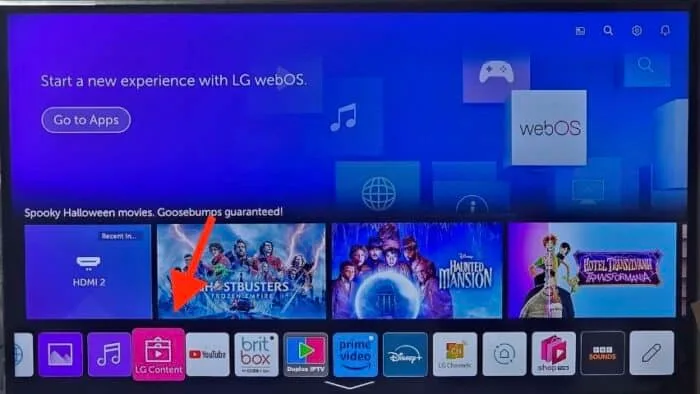
- Open the app store on your Smart TV (Samsung: Smart Hub, LG: LG Content Store)
- Search for "IBO Player"
- Install the application
- Open and note the Device ID and Key
- Send to MOVATOM support for activation
How to Add Your IPTV Playlist
After activation, your playlist loads automatically in IBO Player. If you need to add it manually:
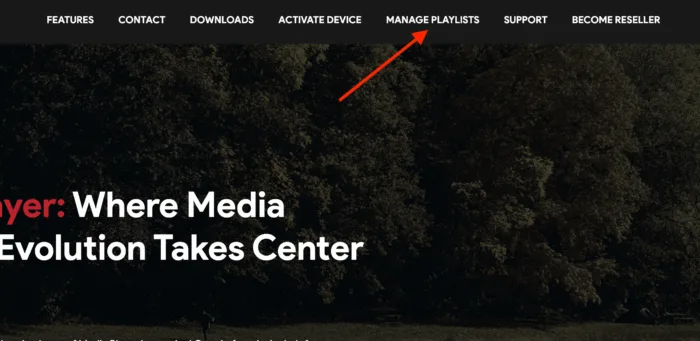
- Open IBO Player Settings
- Select "Add Playlist"
- Choose your method: M3U URL, Xtream Codes, or Activation Code
- Enter the credentials provided by MOVATOM
- Save and restart the app
Need help? Our support team is available 24/7.
Contact Support